TMC
The TMC application enables parallel and repeated execution of waveform simulations for a single topology in the TSim application. This allows multiple scenarios to be randomly generated and tested under specific rules. TMC has a separate GUI but it uses the same simulation engine as TSim.
Simulation iterations that reveal desgin errors or those that need to be further investigated from the batch simulations run with TMC can be examined in more detail with TSim. For this purpose, all TMC iterations that are run are automatically saved in the TSim simulation file format.
The TMC application provides the following capabilities:
- A specific simulation parameter can be scanned over a value range and simulation be run multiple times. For example: Running 40 iterations for each of the values 50, 100, 200, 500, and 1000 units.
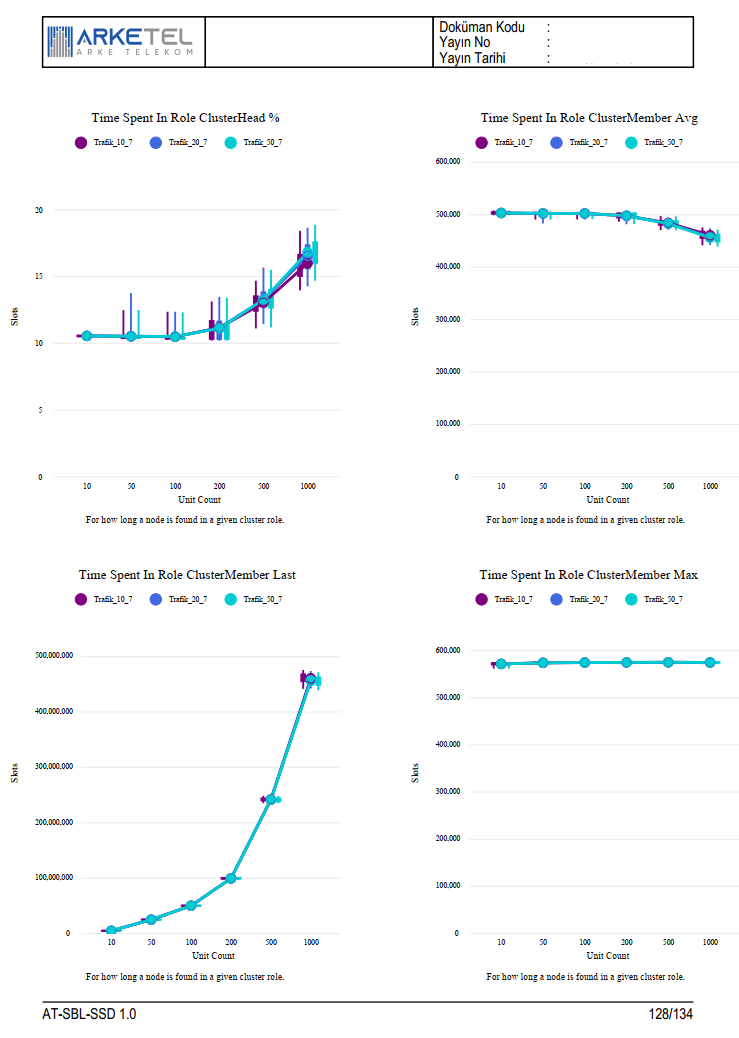
- The calculation and graphical display of the min, max, average values, and distributions of metrics for all iterations.
- Saving the results to a database and the ability to load previously saved results for tracking.
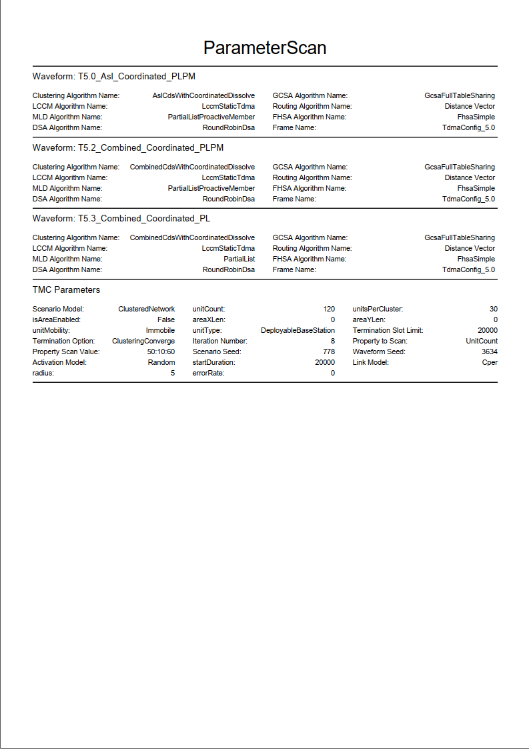
- Automatically generating a results report in .pdf format.
- Saving each iteration run in a format that can be repeated in TSim.
- Notifiying the user of iterations that result in errors.
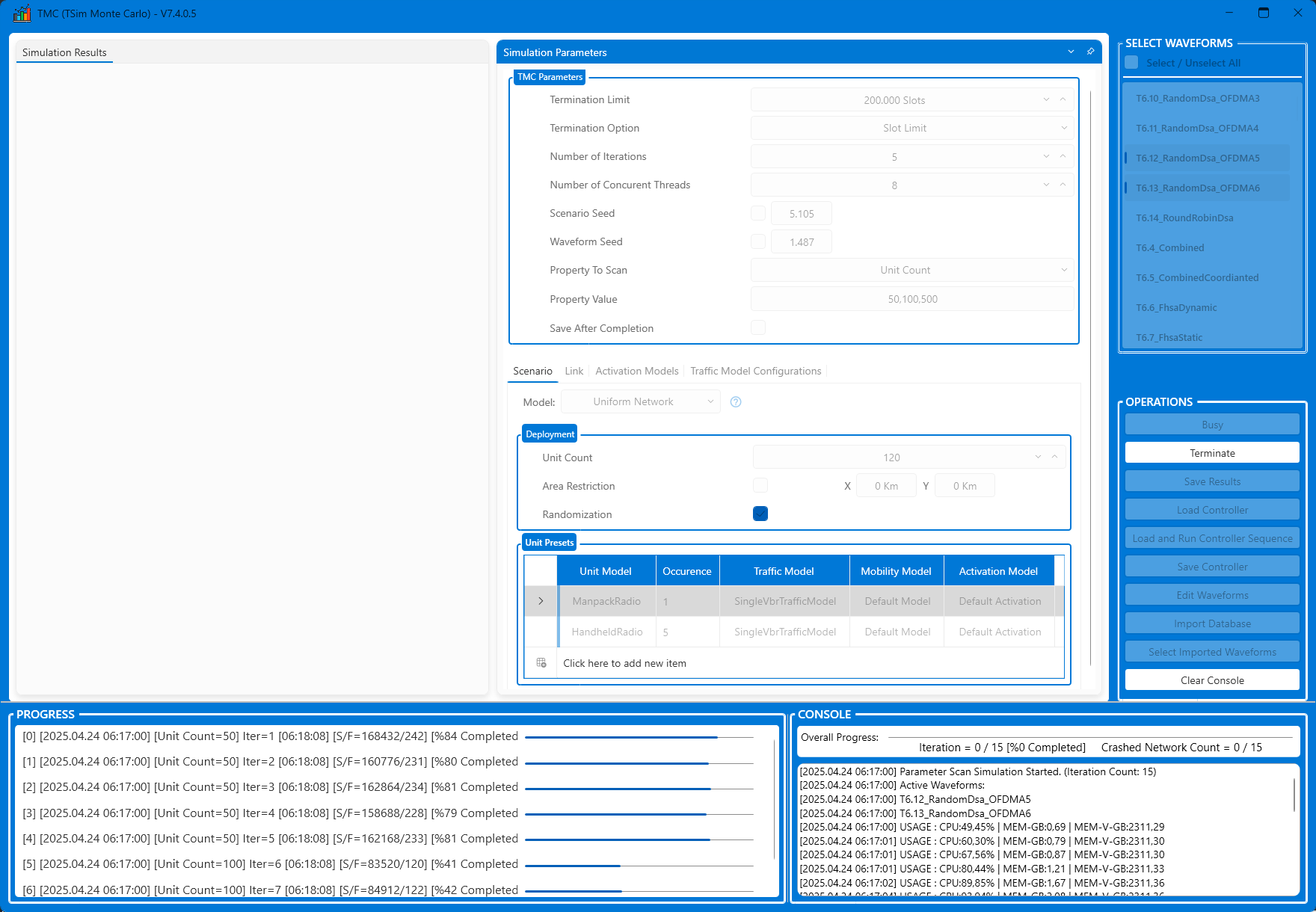
On the main screen, users can modify both the simulation parameters and the number of parallel iterations to run simultaneously. The interface allows real-time monitoring of each iteration’s completion status, as well as current RAM and CPU usage.
After simulations are completed, the results for each metric can be viewed graphically within the TMC interface. Performance metrics for each simulated waveform are saved to a database. These stored metrics can later be reloaded and viewed again through TMC whenever needed.
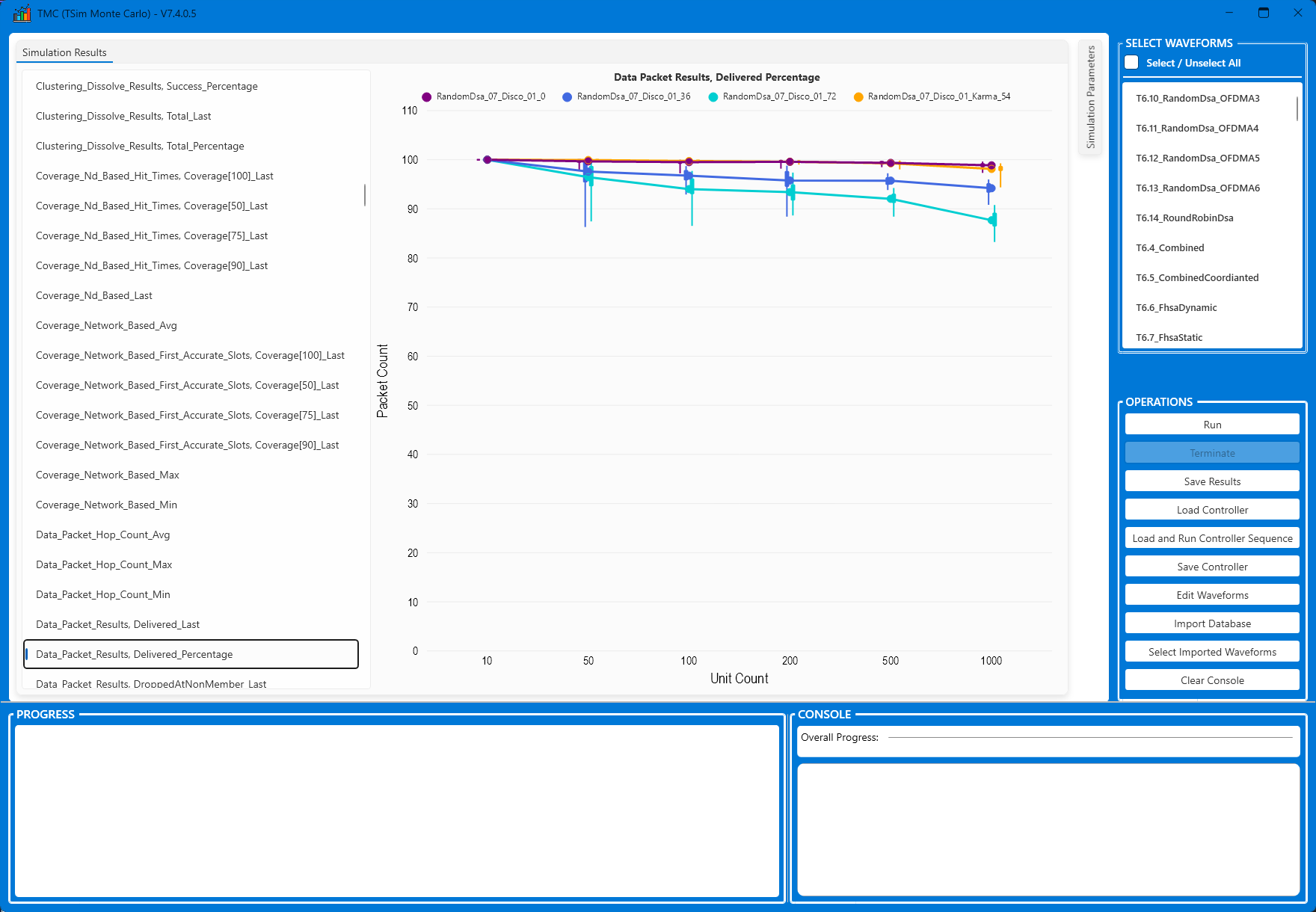
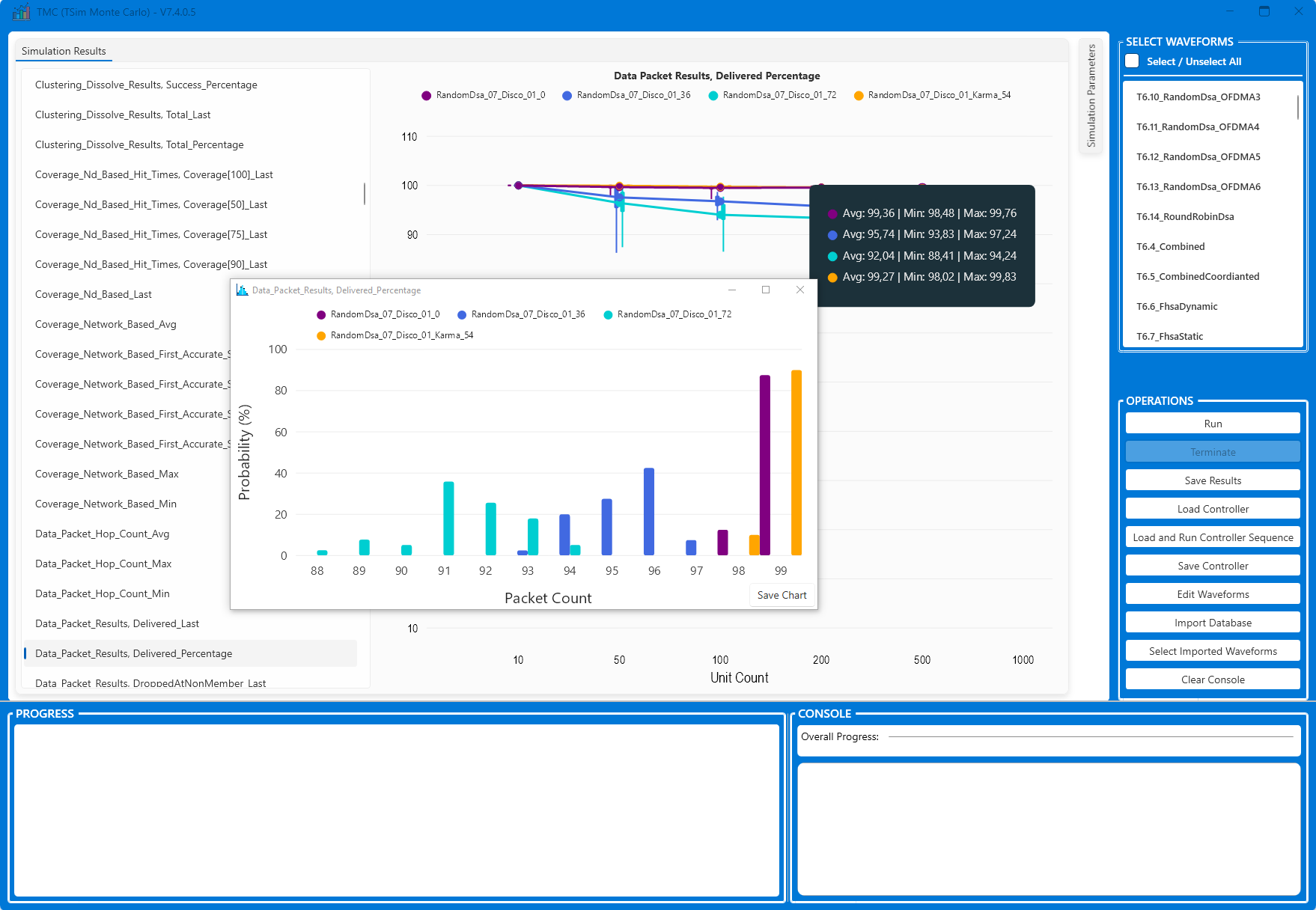
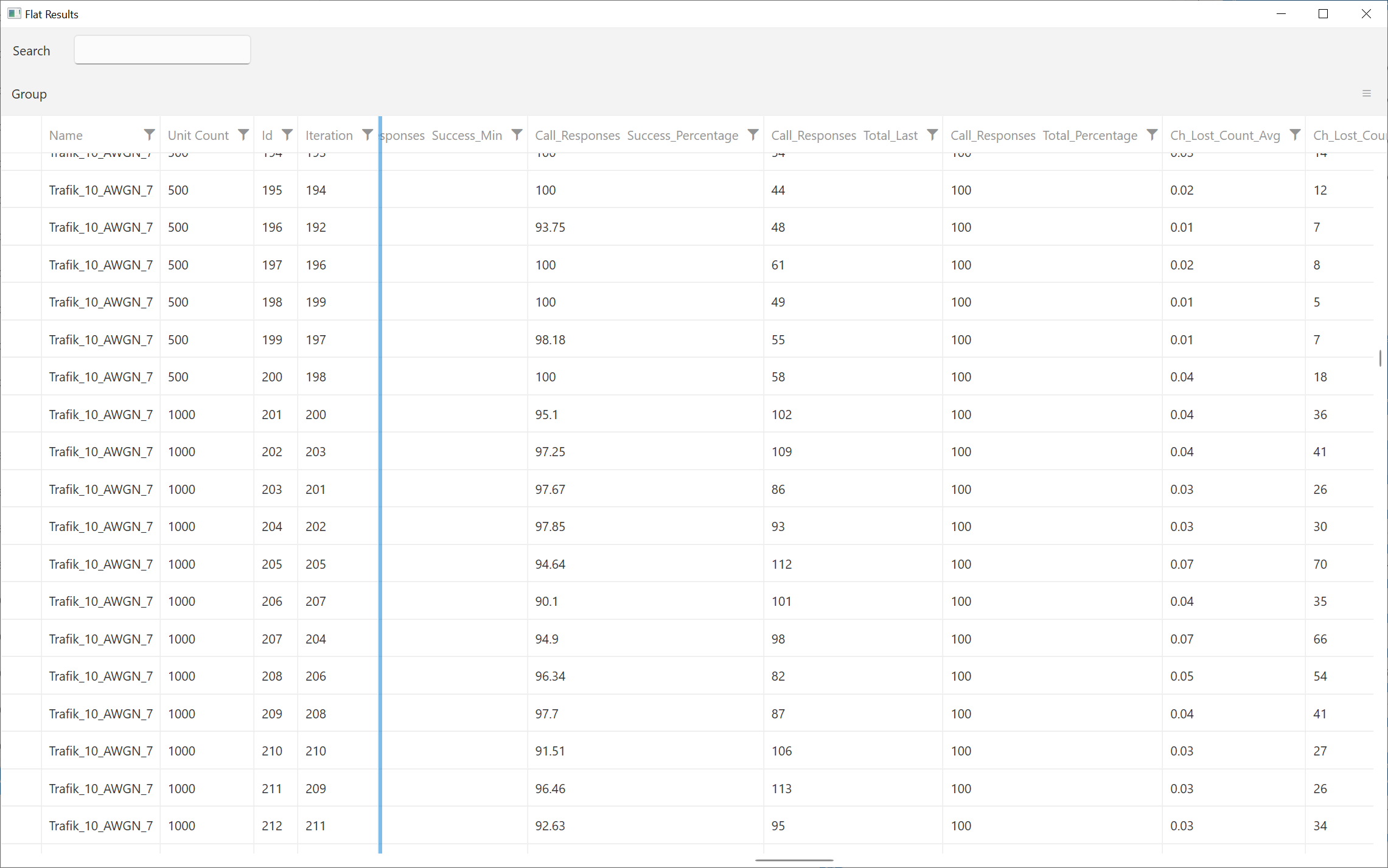
To enable more detailed analysis, the parameters and all resulting metric values of each simulation iteration can also be viewed in tabular format.